Turn a photo into
a frame worth
stopping for.
Solid ring + bottom text banner, like LinkedIn's frames
Drop a photo here
or click to browse (JPG, PNG, or WebP)
Drag to pan · scroll or pinch to zoom · two fingers to rotate · arrow keys work too, or use the controls below
Frame Adjustments
Transparent PNG, ready for LinkedIn and beyond.
Four Steps.
Mark Your Soul.
Four steps to marking your cause: brand yourself the way your soul wants to be seen. Upload a photo, style a ring, arc a line of text around it, and export a transparent frame ready for LinkedIn and beyond.
Upload
Drop in a photo. JPG, PNG, or WebP, straight from your device. Nothing ever leaves your browser.
Style the ring
Pick a solid color or a gradient, dial in the thickness, or start from one of 53 templates.
Add curved text
Arc a line of text (a status, a cause, a title) around the ring, pick a font, and position it exactly.
Export
Download a transparent PNG at 512, 1024, or 2048px, ready to upload anywhere.
Every ring
is a message.
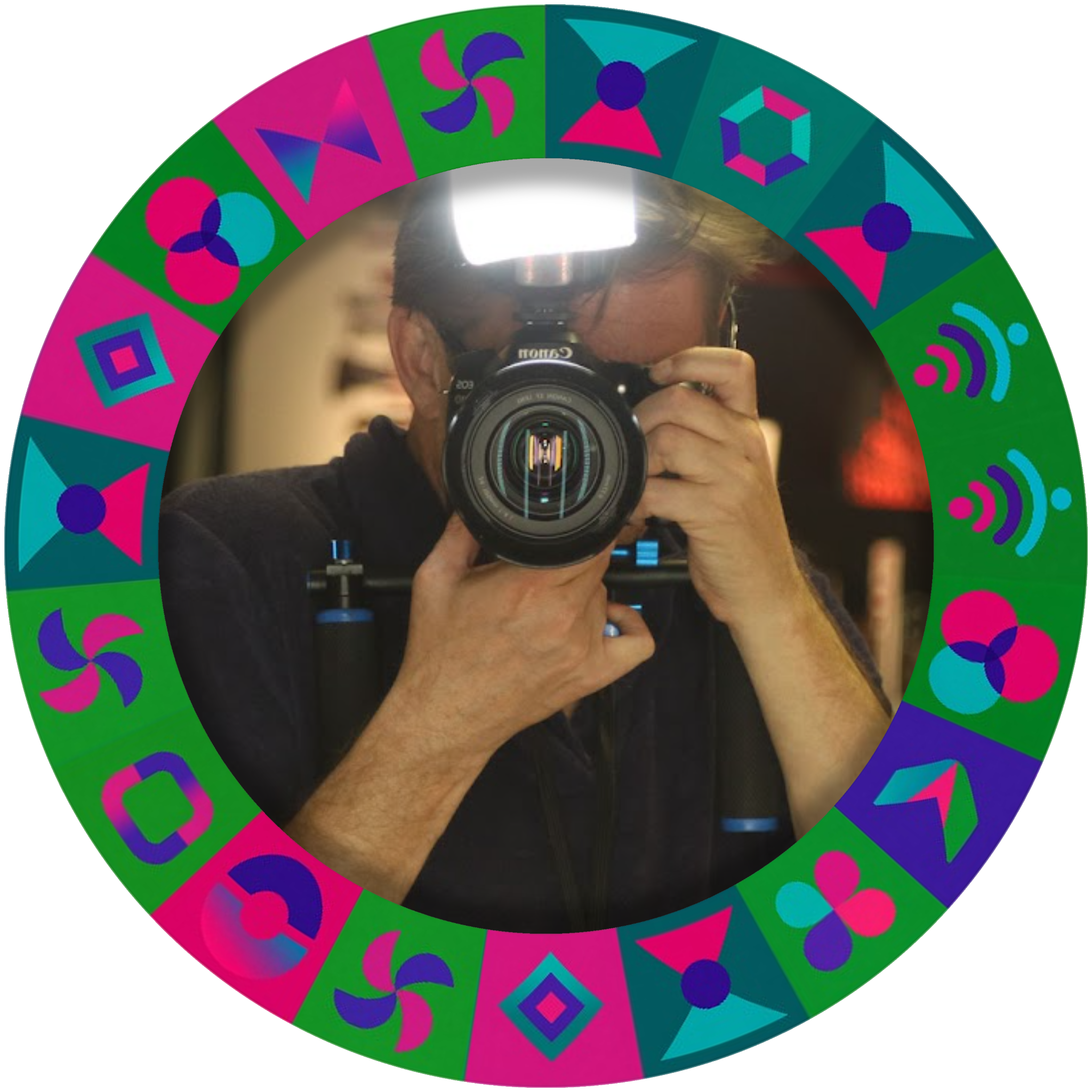
The Nuveuu frame is the one built for me: a custom ring made from a geometric alphabet I designed for the Nuveuu Branding AI System. It has 36 abstract icons, one for every letter plus a handful of punctuation marks. Arranged around a photo, the ring isn't just decoration, it's a coded line of text.
How to read it
Every segment of the ring maps to one character. Here's the full key: the plain icon set, and the same set with its letter revealed.
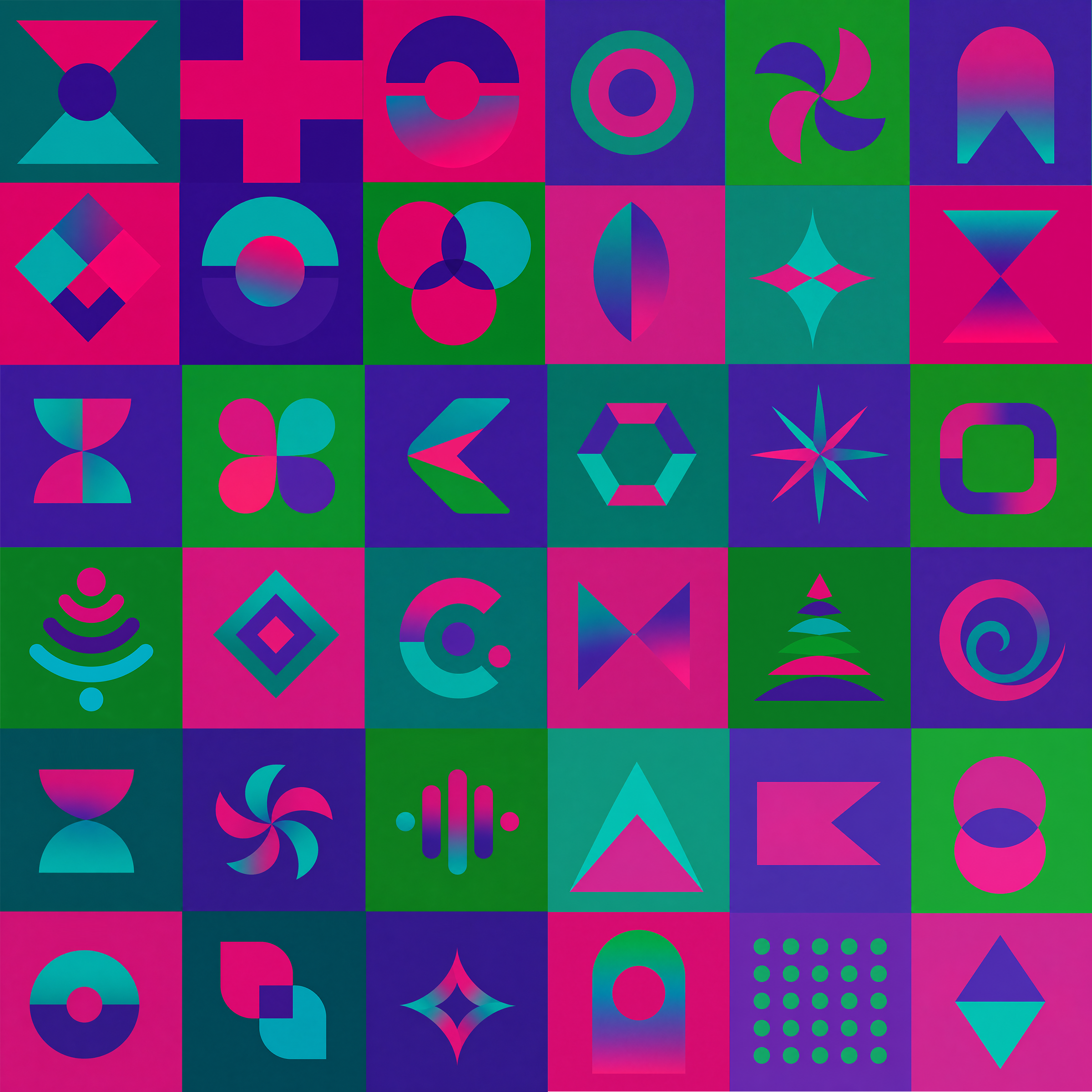
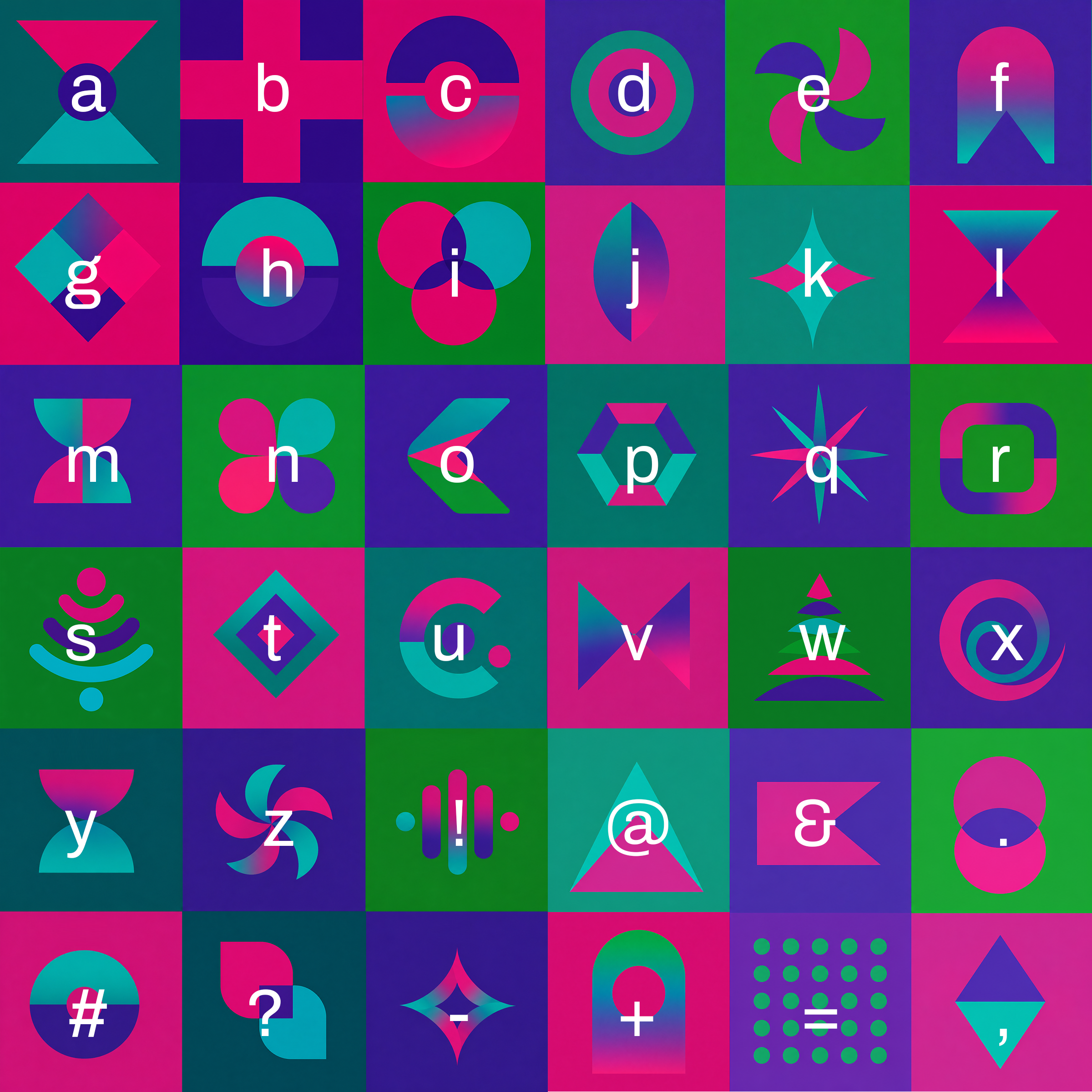
Read a stretch of the ring left to right against that key, and it spells real words. A few segments from the Nuveuu ring, decoded:


Apply the Nuveuu overlay to your own photo above, then work your way around the ring with the key to see what else it says.
Matters that are
personal & professional.
Nuveuu isn't the only custom ring in the set. A few others carry their own bit of history.
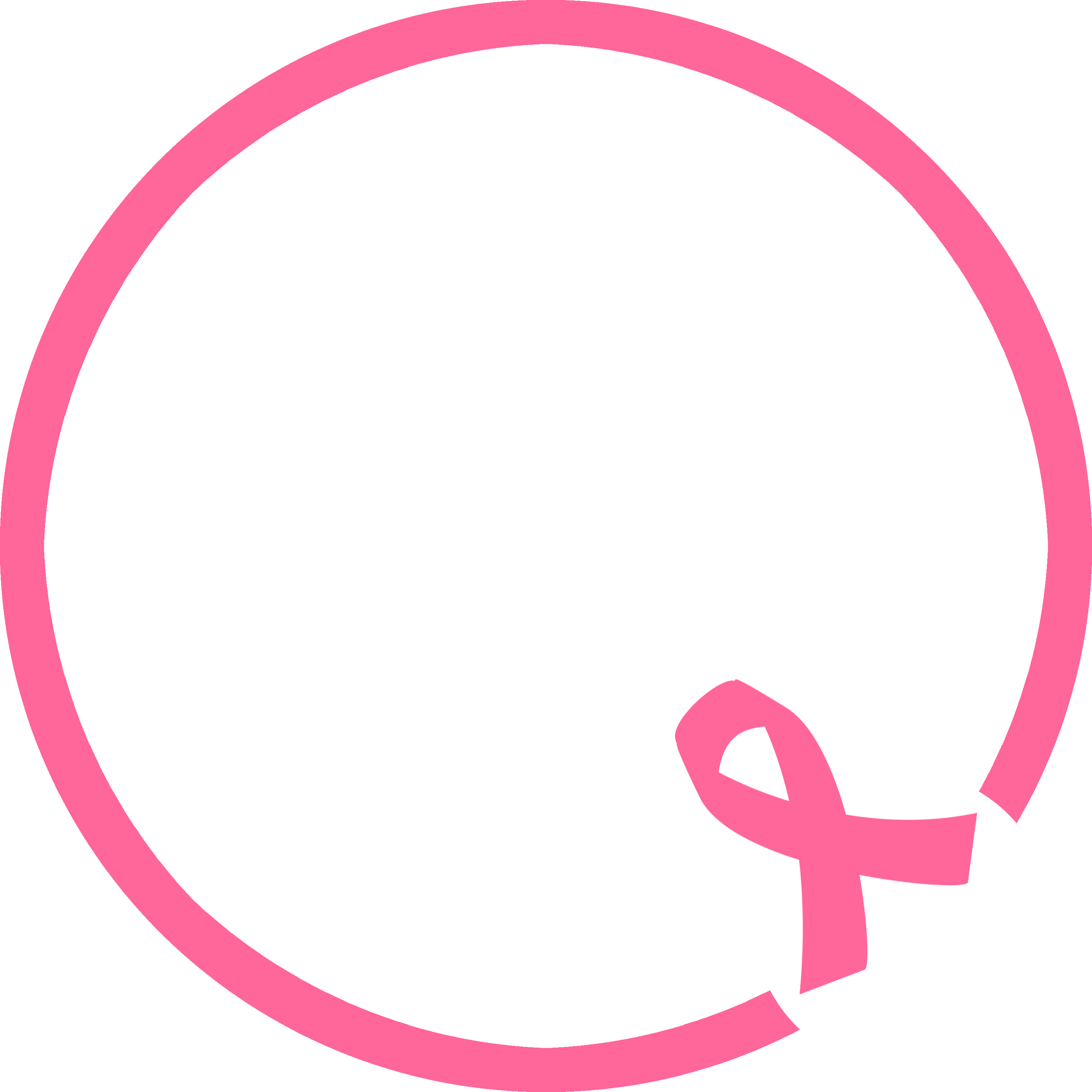
Breast Cancer Awareness
The obvious one: a ring built to carry the awareness ribbon and stand in support of anyone it's touched.
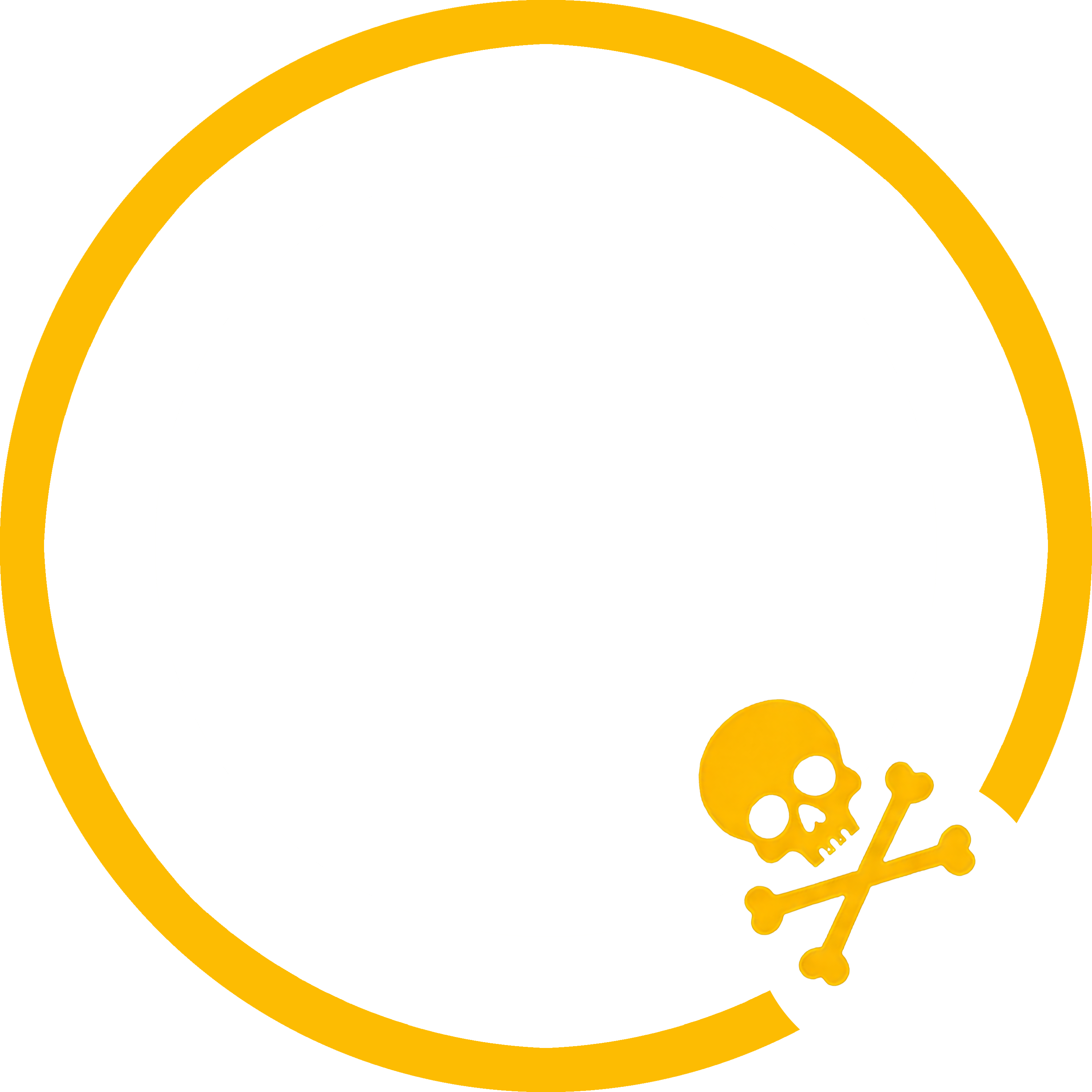
Skull & Crossbones
A nod to TBWA\Chiat\Day, part of my own history, worn as a ring instead of a badge.
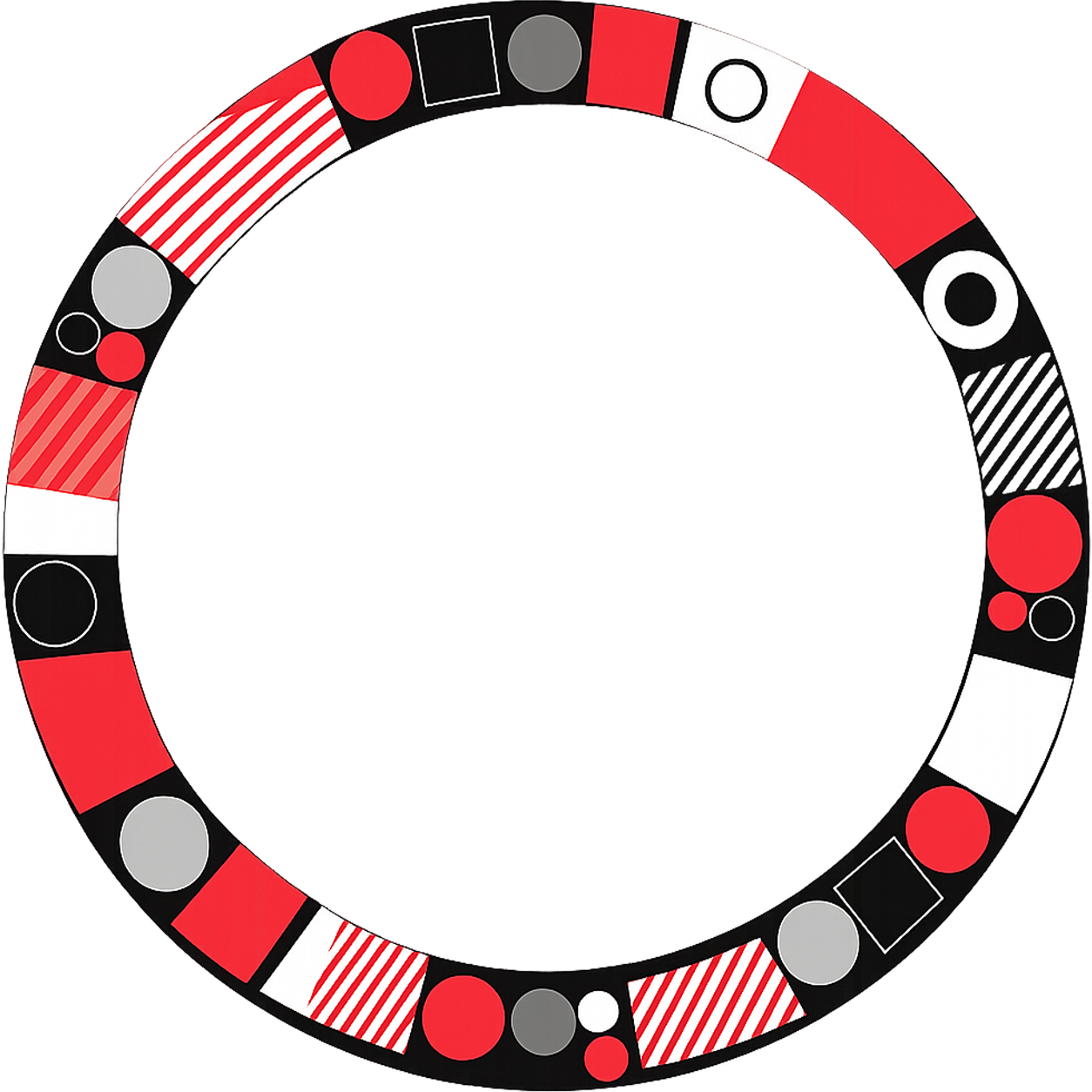
Shapes & Circles
A nod to Ogilvy, where I worked: geometry as the throughline instead of the agency's name.
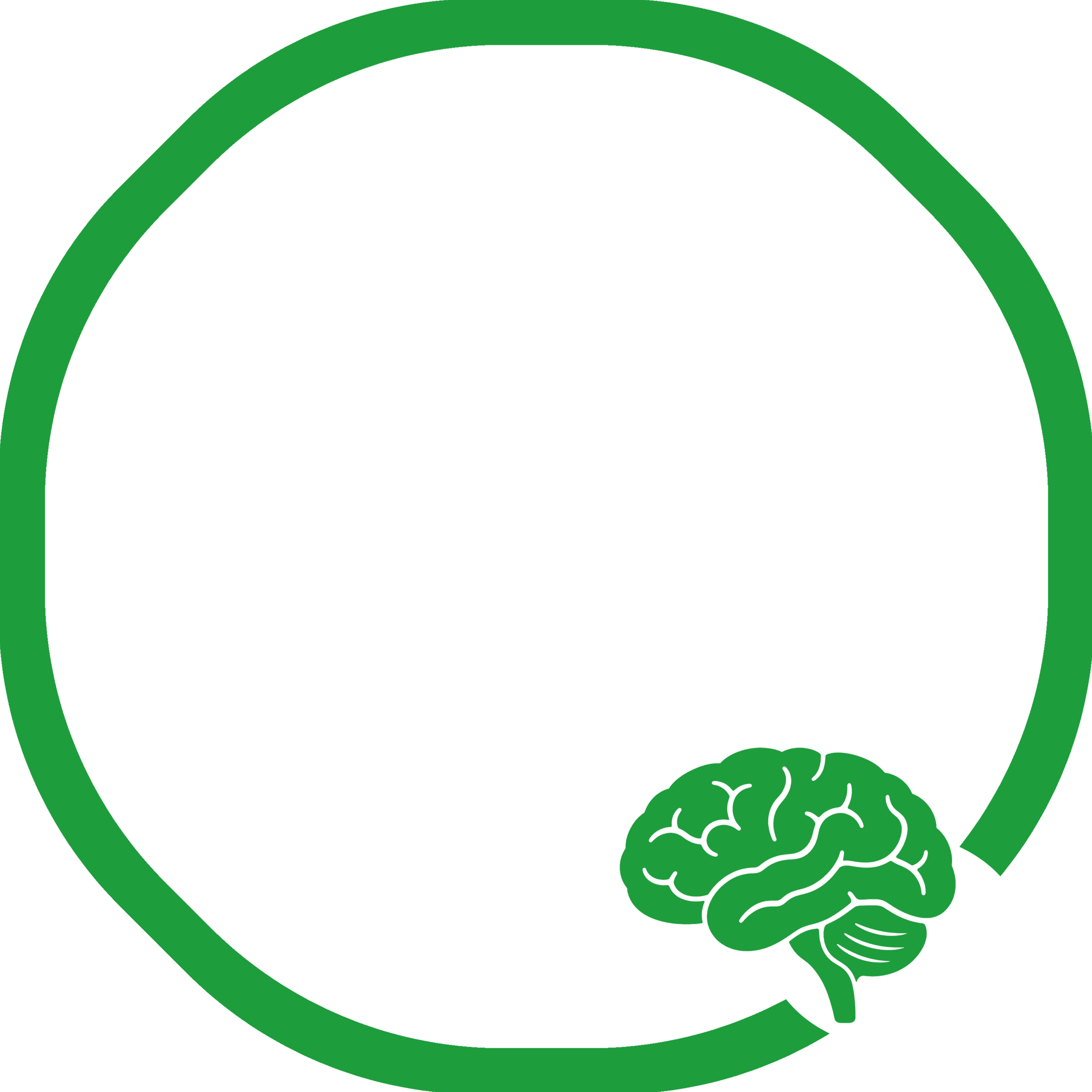
Mental Health Matters
A ring built to carry the conversation forward and stand with anyone navigating their mental health.
Autism Speaks
A ring built in support of autism acceptance, for the autistic community and everyone who loves them.
Questions,
answered.
Is my photo uploaded anywhere?
No. Everything happens locally in your browser, and your photo is never sent to a server. Export downloads the finished PNG straight to your device.
What size should I export?
1024px is a safe default for LinkedIn and most platforms. Go with 512px for a lighter file, or 2048px if you want maximum quality.
Can I use my own colors instead of a template?
Yes. Templates are just a starting point, so pick any template, then override the ring color, gradient, text, and font from the panel on the right.
Does it work on mobile?
Yes. Drag becomes touch-drag, scroll-to-zoom becomes pinch-to-zoom, and two fingers rotate the photo.
What platforms is this built for?
LinkedIn first, with GitHub, Slack, Discord, Teams, X, and Bluesky frames planned next.